
Hey everyone!
Ever wonder what setup your favorite gamers use? Well today, I’m giving you a behind-the-scenes look at my personal gaming setup—how I play Fortnite and Roblox, what gear I use, and the settings that help me get the best performance, especially on Nintendo Switch and PC.
Let’s jump in!
How I Play
I keep it simple but effective.
Here’s what I use for each game:
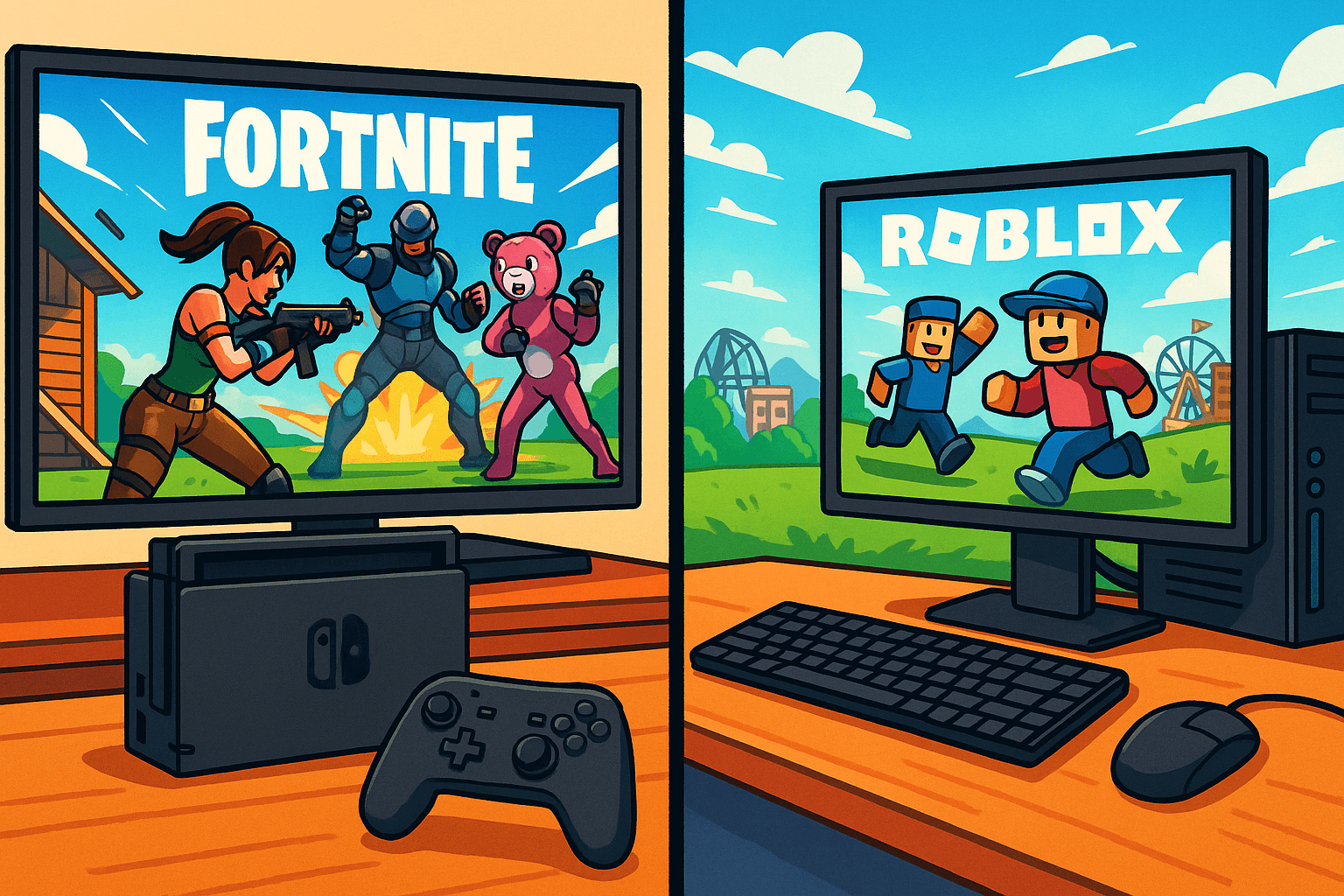
- Fortnite – Played on my Nintendo Switch, docked for that big-screen action.
- Roblox – Played on my computer (desktop or laptop), which gives me better control for all kinds of games.
- Controller All the Way – I use a standard controller for both platforms (Switch Joy-Cons or Pro Controller for Fortnite, and an Xbox-style controller for Roblox sometimes).
Fortnite Settings (on Nintendo Switch)
Switch doesn’t have the same power as a PC or Xbox, but it can still compete! Here are the settings I use to get smoother gameplay and quicker reactions:
- Sensitivity – Medium to High (makes aiming faster)
- Aim Assist – ON (super helpful on Switch)
- HUD Scale – Slightly reduced so the screen isn’t cluttered
- Motion Controls – OFF (I prefer stick aiming)
Playing docked makes a big difference. I get better visuals, smoother FPS, and it’s way more comfortable than handheld when I’m grinding matches.
Roblox Setup (on PC)
Roblox is wild because every game feels different. Here’s how I keep it simple:
- Keyboard + Mouse for most games
- Controller when I’m playing obbys, shooters, or racing games
- No crazy gear – just a basic PC setup and built-in speakers or earbuds
I keep my Roblox graphics at mid-range to avoid lag during big multiplayer games like Rainbow Friends or Brookhaven.
Pro Tips for Switch and PC Players
If you’re playing like me, here are some quick tips:
For Nintendo Switch (Fortnite):
- Docked mode = better frame rate and bigger view
- Turn off background apps for smoother gameplay
- Use wired internet if possible—it makes a huge difference!
For PC (Roblox):
- Use fullscreen mode to avoid clicking outside the window
- If a Roblox game is laggy, turn graphics down to 2–3
- Customize your keybinds in shooter or horror games for faster reactions
What’s Your Setup?
Now I want to hear from YOU!
What do you play on? What settings do you swear by? Drop a comment below or hit me up on my channel—I’m always looking to try out new tips and tricks from other players.
Thanks for reading—and see you in the game!